Which POS software for a TCG shop?
Singles, sealed, graded, buybacks, margin VAT, NF525… Why a trading card shop needs POS software built for TCG, and how to choose it. A buyer's checklist.
By Paul Hilmarcher, founder of Echo TCG, working hand in hand with card shops.
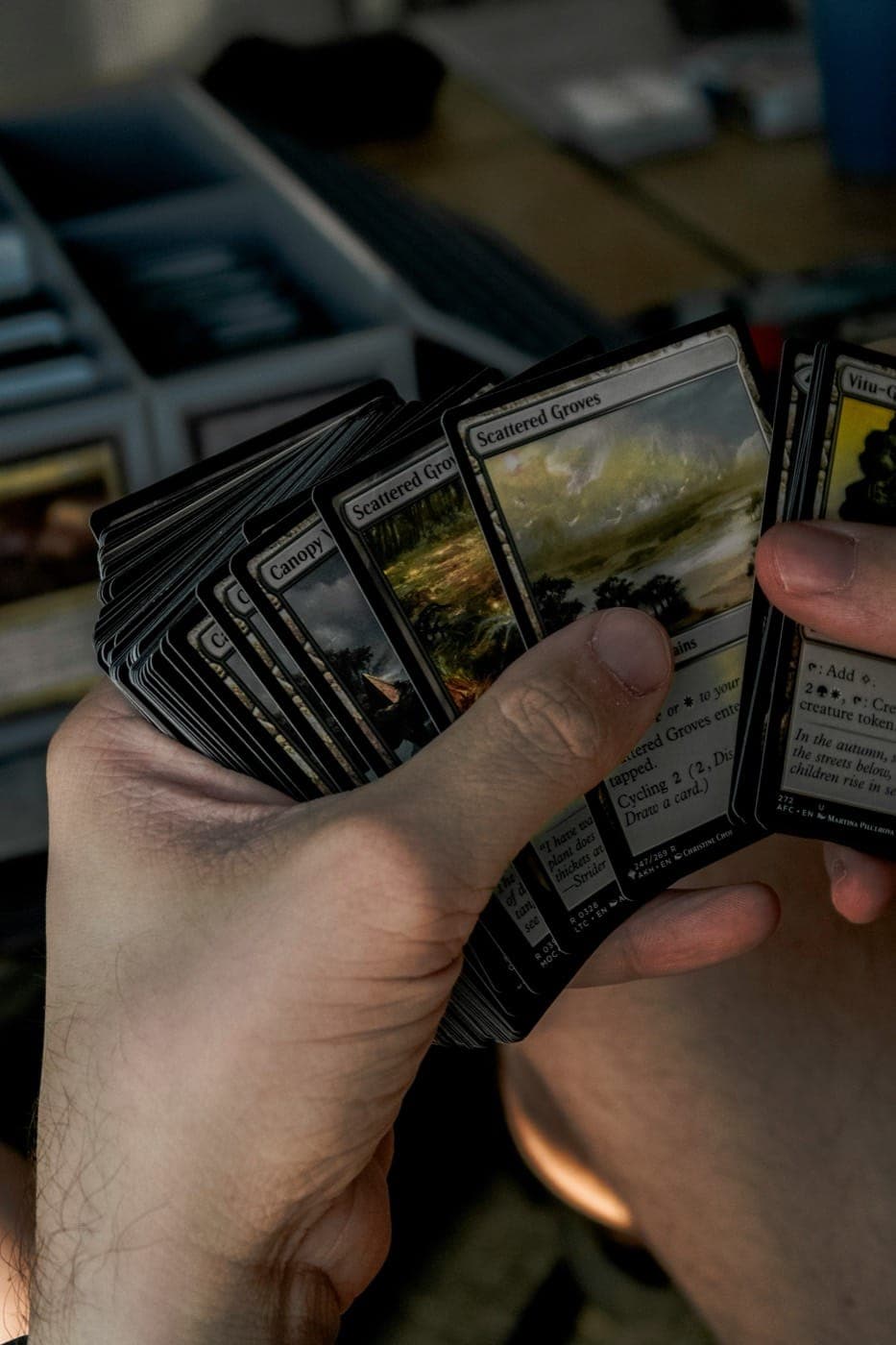
Running a trading card shop (Pokémon, Magic, Yu-Gi-Oh!, Lorcana, One Piece, etc.) is nothing like classic retail. A grocery till handles a barcode and a price; a TCG shop handles conditions, languages, sets, graded cards, sealed product, and second-hand buybacks with a specific VAT regime. Generic software hits its limits fast.
What TCG POS software must handle
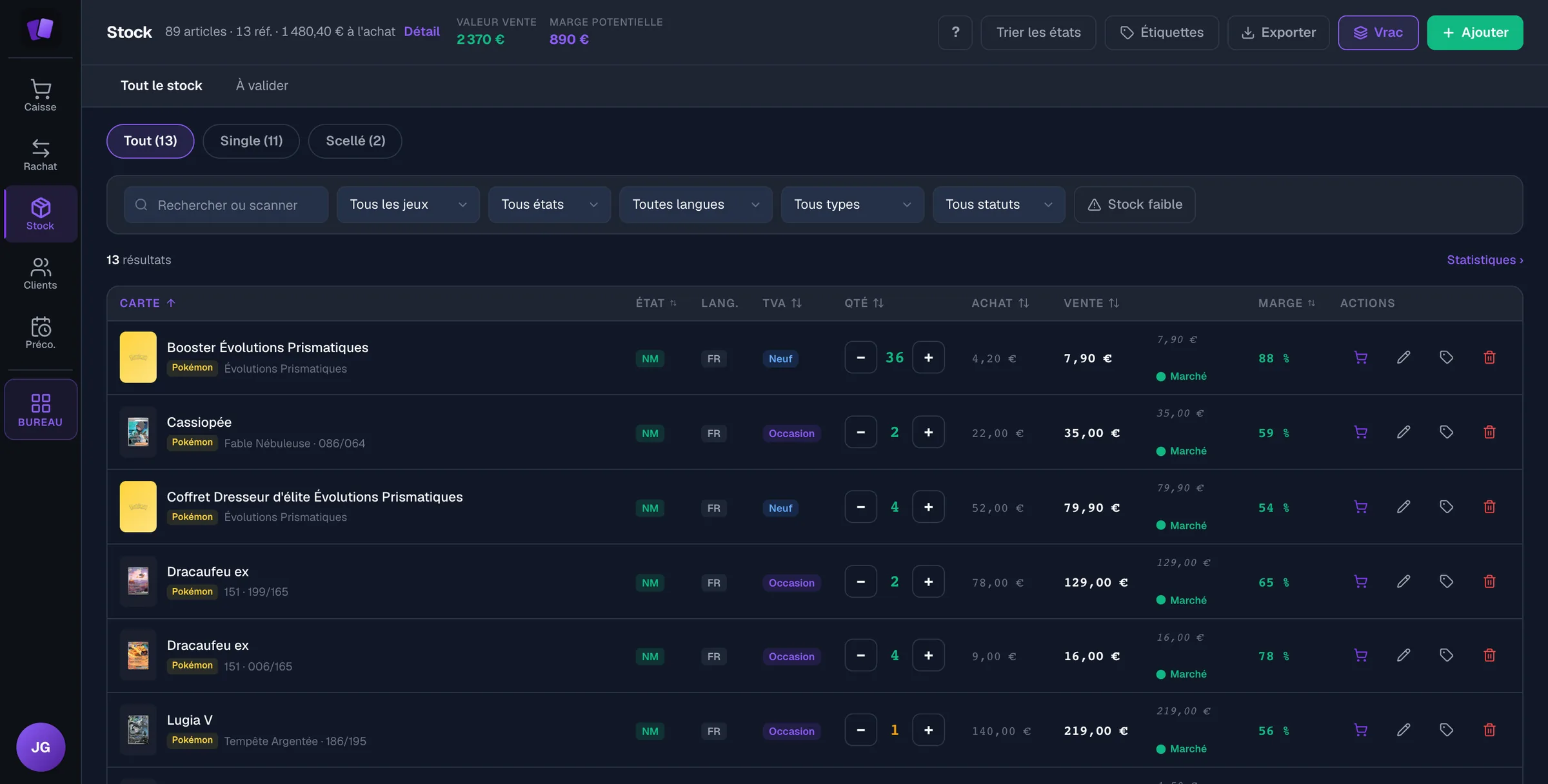
- Singles by unit with condition (NM, LP, MP, HP, DMG), language and set.
- Sealed product (packs, boxes and collection boxes) and graded cards (PSA, BGS, CGC, etc.).
- Buybacks of second-hand cards, with a police register and automatic pricing.
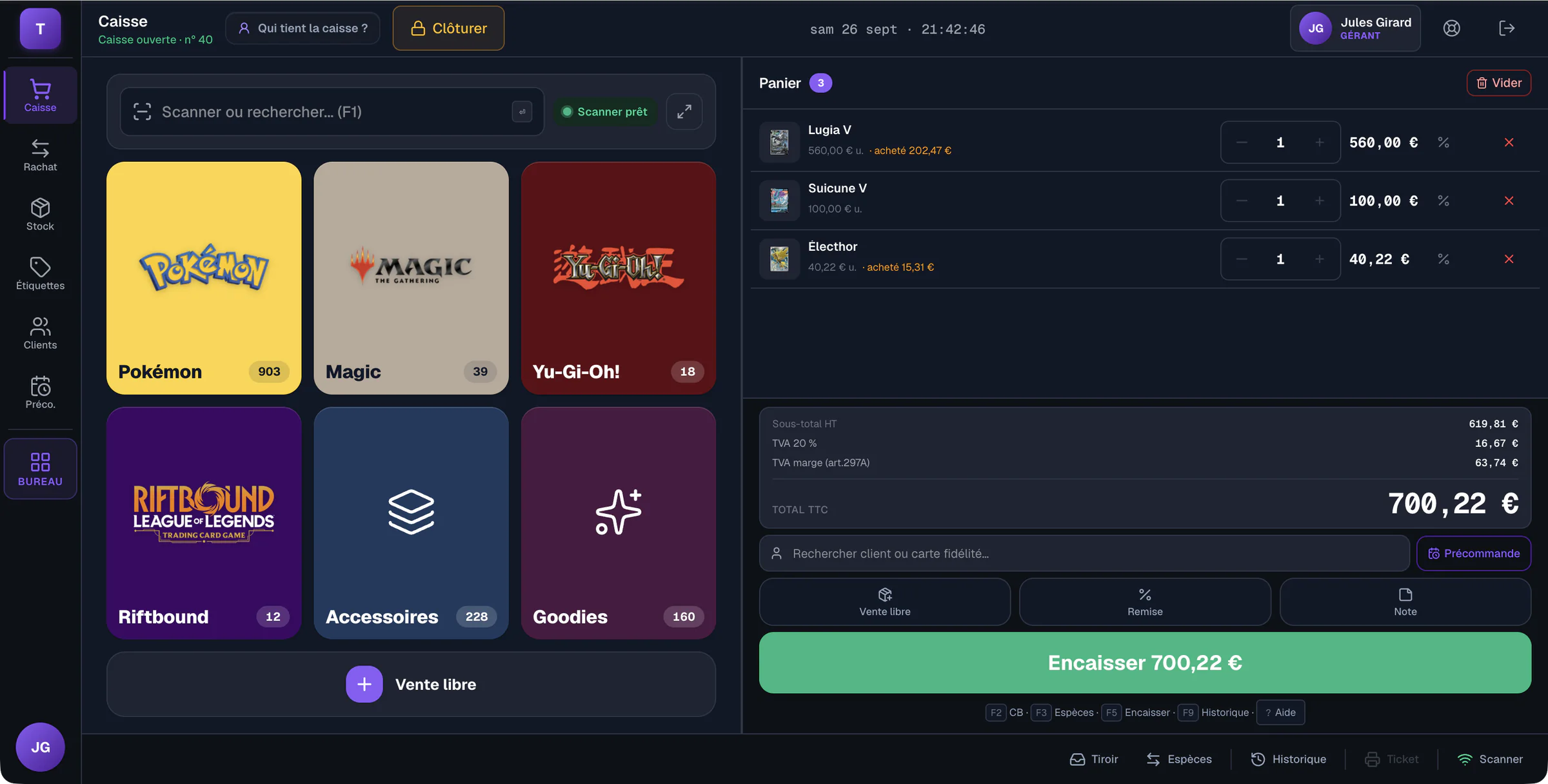
- Margin VAT (French art. 297 A) for second-hand, distinct from standard VAT.
- Market prices (e.g. Cardmarket) to value stock.
- Secure POS software (certificate or publisher's attestation), required of VAT-registered shops in France.
Till alone or full management software?
Checkout is only part of the job. The real win comes from a tool linking the till, multi-format stock, buy-backs, the in-store loyalty programme and accounting. If you want to sell on Cardmarket without overselling, or also sell on Whatnot or your own site, ask how stock follows: sync, file import or manual entry. That is where stock drift and overselling across channels come from.
How to choose
- Ask for the certificate or individual attestation the publisher gives the shop.
- Make sure margin VAT is computed automatically.
- Require a ready-to-use card catalogue (search by name/set).
- If you also sell online, ask how stock follows: sync, file import or manual entry.
- Test checkout speed under rush conditions (releases, tournaments).
What should you try during a POS demonstration?
Recreate a typical shop basket, from finding items to payment. Combine a single card, a sealed product and an accessory. Check that the employee recognises the right version without interrupting their work to ask for help. The advertised feature count matters less than finding the exact product and reviewing the basket easily before checkout.
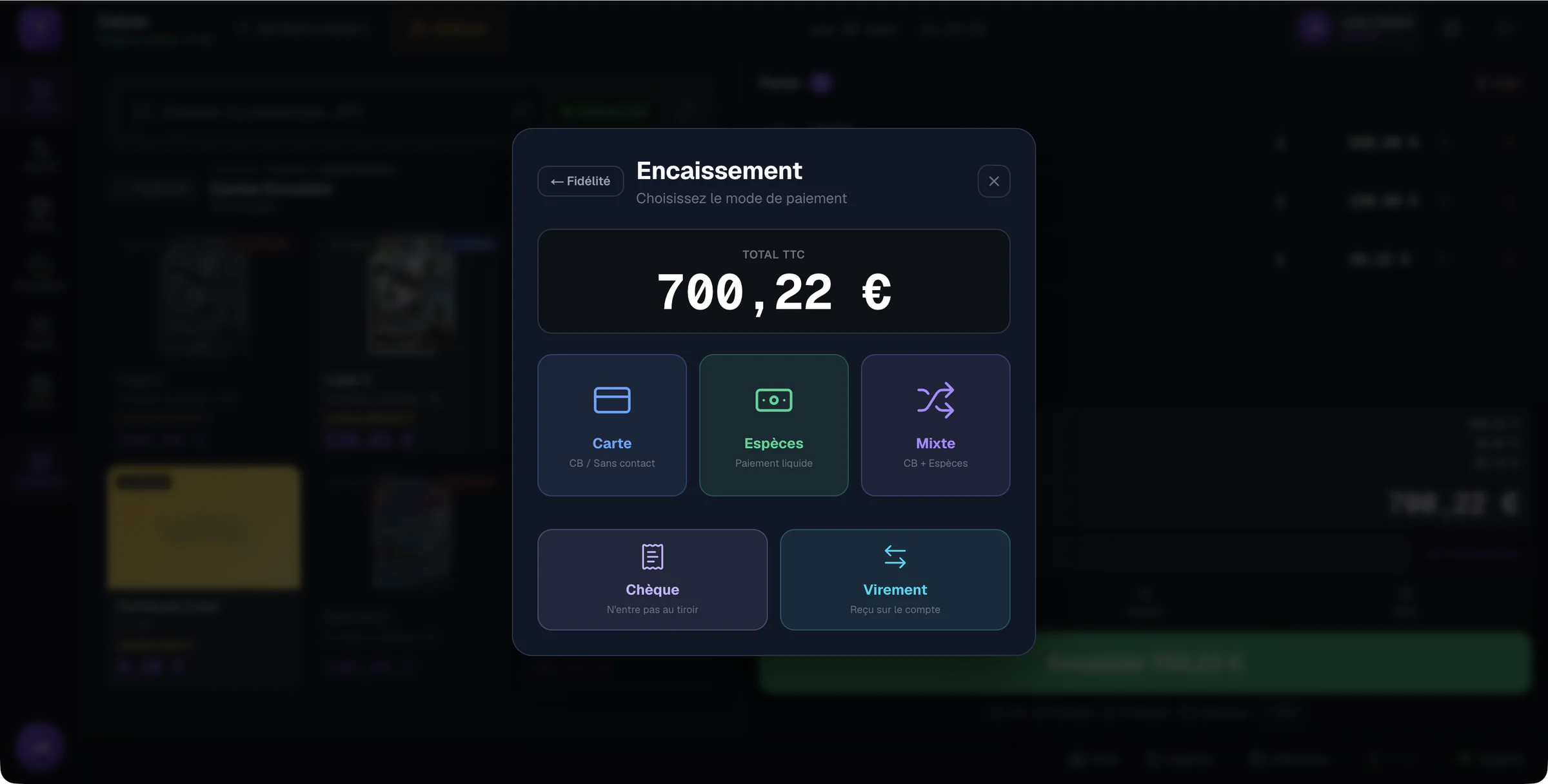
Then try changing a quantity, applying a discount and splitting payment between two methods. Echo TCG supports mixed payments and per-line discounts with a reason; a manager approves discounts beyond the shop's threshold. Ask to see this flow with employee permissions, then manager permissions. A trial with every permission enabled does not show the team's daily experience.
Note steps that need explanation and have another person recreate the same basket. Also check how to find a sale to prepare a return. This gives you concrete situations to compare between solutions. Keep features seen during the demonstration separate from those merely discussed, so your decision rests on what you could actually observe.
How do you prepare the hardware yourself before the first day?
Install the shop's devices and check each intended use before opening. The shop performs this preparation itself: Echo TCG promises neither hardware installation nor on-site setup. Start with the workstation that will actually serve as the till, then check barcode reading, printing and the payment terminal under the conditions your team will use.
Echo TCG runs in a computer or tablet browser. The payment terminal remains the shop's own. For printing and connections, consult the hardware guide and instructions matching your device, browser and printer. An identical connector does not guarantee that two configurations behave the same way.
Prepare a few trial labels and check they can be read before printing a batch. Have each employee scan a reference, check the retrieved product and confirm the receipt is legible. Position devices and cables so the workstation remains usable when customers queue. If something fails, identify the device and exact step involved before asking for help; this description makes finding a solution easier.
A secure till: who must have one
In France, a secure till is required of VAT-registered shops that take payments from private customers (art. 286, I-3° bis of the French Tax Code). According to the French tax authority, a shop under the VAT basic exemption is not subject to it; it becomes subject when it leaves the exemption. The proof is a certificate from an accredited body, or the publisher's individual attestation, reinstated by the 2026 finance law.
Official sources
- Article 286 of the French Tax Code (Légifrance, in French): the secure-till obligation
- impots.gouv.fr (in French): who is concerned by the obligation
- BOFiP, BOI-TVA-DECLA-30-10-30 (in French): the tax authority's guidance
- Article 297 A of the French Tax Code (Légifrance, in French): margin VAT on second-hand goods
Echo TCG was designed for card shops: fast checkout, multi-format stock, buy-backs and margin VAT in one tool.
Frequently asked questions
- Why isn't a generic till enough for a trading card shop?
- A grocery till handles a barcode and a price, while a TCG shop handles conditions (NM, LP, MP, HP, DMG), languages, sets, graded cards, sealed product and second-hand buybacks with margin VAT. Generic software hits its limits fast.
- How do I choose POS software for a TCG shop?
- Ask for the certificate or individual attestation the publisher gives the shop, make sure margin VAT is computed automatically, require a ready-to-use card catalogue, ask how stock follows if you also sell online, and test checkout speed under rush conditions.
- Do I need just a till or full management software?
- Checkout is only part of the job. Linking the till, multi-format stock, buybacks and loyalty reduces repeated entry. Online sales need separate consideration: Echo TCG currently offers neither automatic synchronisation nor file import for those sales.
- Who installs the shop’s hardware?
- The shop installs and checks its devices itself using the hardware guide. Prepare the actual workstation, then check barcode reading and printing before opening. Echo TCG runs in the browser; this does not remove the need to check connections and device compatibility. On-site installation by Echo is not included in this preparation.
- Does Echo TCG automatically synchronise online sales?
- No. Echo TCG does not automatically synchronise with online stores, and online sales file import is not currently available. If you sell through several channels, arrange a separate process to track quantities and avoid promising the same copy to two customers. Do not base a current purchase decision on a future connection.
Echo TCG: the POS and management software for card shops.
From €49 a month, with no commission on your sales. See pricing