iPad till for a card shop: what you need to know
Taking payments on an iPad in a card shop: an AirPrint receipt printer, a Bluetooth barcode scanner, labels, internet connection and legal obligations.
By Paul Hilmarcher, founder of Echo TCG, working hand in hand with card shops.
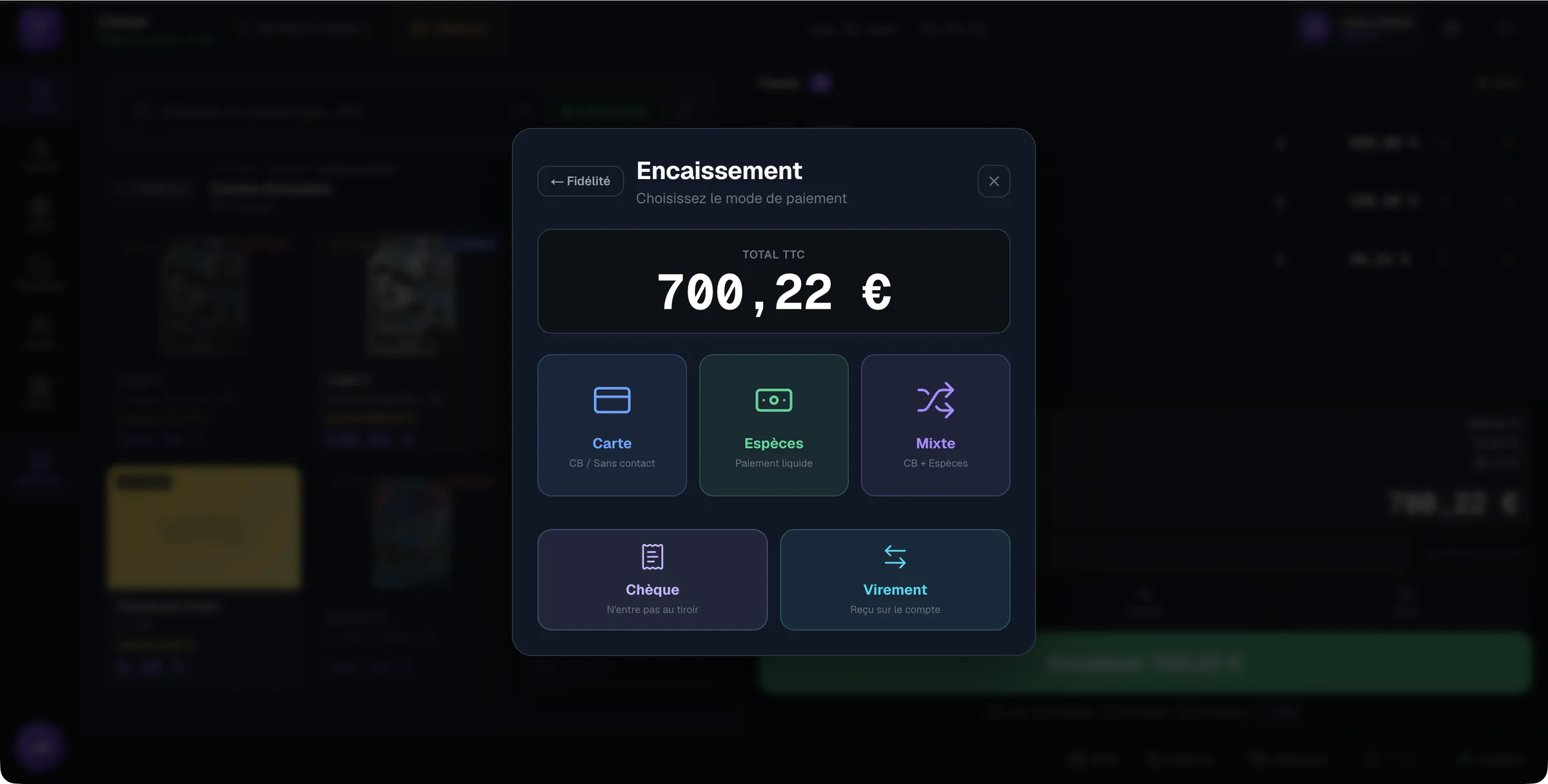
Card shops like the iPad: it takes little room, turns toward the customer and gets put away at night. It makes a good till, on one condition: choosing hardware it can drive. Here is what works, and what does not.
Software in the browser
Online till software such as Echo TCG opens in Safari. Nothing to install: you sign in, and the till, stock and buybacks are there. You can add the page to the home screen to open it like an app. The data is the same on the counter iPad and on the back-office computer.
Printing receipts: AirPrint required
On an iPad, a browser can only print through AirPrint, Apple's printing system. It cannot drive a USB printer. Before buying a receipt printer, check on the manufacturer's page that it supports AirPrint: several models very common in shops do not, and will not print from the iPad.
- Receipt printer: AirPrint-compatible, on the same Wi-Fi network as the iPad.
- Labels: the iPad's print dialog, with an AirPrint-compatible label printer.
- Cash drawer: usually driven by the receipt printer; check that it opens with yours before buying it.
The scanner: Bluetooth, in keyboard mode
A Bluetooth scanner in keyboard (HID) mode works on an iPad: it types the barcode like a keyboard. Set it to the French keyboard layout. Set to English, it replaces some digits with symbols, and the scanned item is not found.
The internet connection
An online till needs internet. A stable Wi-Fi at the counter is enough; keep a phone hotspot as a backup in case of an outage.
Test before opening
In Echo TCG, the assistant under Settings, Hardware, has you try each device one by one: scanner, receipt printer, labels. Do it before the first customer, not during the Saturday rush.
What about the law?
The device changes nothing about the obligations: a shop that takes payments from consumers must use secure till software complying with article 286 of the French Tax Code. The software carries that obligation, on an iPad as on a computer.
This article is informational and does not replace the advice of an accountant.
Frequently asked questions
- Can an iPad be used as a till in a card shop?
- Yes. An online till software opens in Safari on an iPad. You need a stable internet connection, an AirPrint-compatible printer and a Bluetooth scanner in keyboard mode.
- Which receipt printer works with an iPad?
- An AirPrint-compatible one, because an iPad cannot print any other way from a browser. Check the manufacturer's page: several very common receipt printers do not support AirPrint.
- Can you take payments on a phone?
- Echo TCG does not offer the till on phones: the screen is too small to check out quickly and without mistakes. Use an iPad, an Android tablet or a computer.
Echo TCG: the POS and management software for card shops.
From €49 a month, with no commission on your sales. See pricing