Choosing card shop till software: a criteria checklist
Choose till software for a card shop: catalogue, buybacks, VAT, hardware and data. Questions to ask publishers and what satisfactory answers should contain.
By Paul Hilmarcher, founder of Echo TCG, working hand in hand with card shops.

Choosing till software for a card shop means checking real tasks: identifying a copy, buying it back, selling it, finding the supporting records and preparing the accounts. This checklist helps you prepare a demonstration and keep comparable answers, without ranking brands or assuming that one product suits every shop. For each topic, record your requirement, the publisher’s written answer and what you could actually observe using fictional data.
Separate features available in the proposed subscription from paid options and future plans. A planned feature cannot meet a present requirement. Prepare examples drawn from your games, equipment and daily organisation, and record the limitations discovered during the demonstration. The card shop glossary helps clarify the vocabulary used by each person. The tax and register questions below concern shops operating in France; do not automatically transfer those rules to another country.
How should you check the catalogue and card search?
The catalogue should help staff find the correct printing and distinguish the physical copies that the shop actually owns.
- Question to ask : Can I search by the printed card number, then specify the game, set, language and finish, and what happens when a reference is missing?
- Satisfactory answer : A demonstration using your examples, clearly identified variants, a picture for checking and an explained process for missing references.
One printed number may correspond to several printings or illustrations. Search for a card whose variants you know and check that the operator explicitly selects the correct one. A large reference list does not prove accuracy or coverage of your languages. Ask how missing information is displayed rather than replaced with an assumed value, and how updates affect references already in stock.
How should you assess buybacks and the police register?
The buyback process should connect acquired goods, their purchase prices and the traceability records needed for second-hand trading.
- Question to ask : How does a proposed valuation become a completed purchase, a stock entry and an entry in the French police register?
- Satisfactory answer : A workflow showing the goods, agreed prices, supporting documents, required seller information and access rules for the register.
Commercial valuation and recording an acquisition are separate steps. Check what happens when an offer is declined, an unfinished record is resumed or an error is found after confirmation. The guides to setting buyback prices and the police register develop these questions. A customer profile by itself does not replace the acquisition register.
How should standard VAT and margin VAT be distinguished?
The software should preserve the acquisition history and purchase price needed for the tax treatment chosen for each item.
- Question to ask : How do you distinguish acquisitions under standard VAT from those potentially eligible for margin VAT, including visually identical cards?
- Satisfactory answer : A demonstration separating tax schemes, purchase evidence, corrections and document wording, with exports the accounting firm can understand.
Being a single card or a sealed product does not by itself determine the tax scheme. The source of the goods and the conditions of acquisition matter, so a product category must not replace that assessment. Have your accountant review the cases your shop encounters. Read the French margin VAT guide before deciding which settings to use.
How should singles, sealed, graded and bulk stock coexist?
Different formats should remain identifiable throughout stock management and sales without losing the characteristics of an individual item.
- Question to ask : How do you represent a single card, a sealed product, a graded card and a bulk lot?
- Satisfactory answer : Suitable item records, explicit counting units, findable storage locations and a distinction between shared attributes and copy-specific details.
For a graded card, retrieve the grading organisation, grade and holder identifier where these have been recorded. For bulk, establish whether quantity means cards, lots or another package. Opening a sealed product changes the units held in stock: ask how the movement and cost allocation are recorded. The unopened box and its loose contents must not both remain available for sale at the same time.
What should you ask about closing and inalterability?
Examine closing, correction and archiving mechanisms together with the supporting documents applicable to the software version used.
- Question to ask : Can you demonstrate a closing, a correction after payment and a readable archive, and specify the documents provided to the shop?
- Satisfactory answer : Traceable operations, preservation of the original record, identified periods and written explanations of the evidence and its scope.
A mention of NF525 in a presentation does not establish the status of a product or determine your shop’s obligations. Request the exact document references, the version concerned and the conditions for access after cancellation. The guide to NF525 and card shops describes the French framework. Review how it applies to your own business with a qualified professional.
How should you check the loyalty programme?
Loyalty should follow understandable rules and let staff explain each benefit earned, spent or adjusted.
- Question to ask : Which sales earn benefits, who can correct them and what happens to a customer’s balance after a return?
- Satisfactory answer : Visible rules, a movement history, appropriate staff permissions and a clear distinction between a loyalty benefit and money owed to a customer.
Simulate a purchase, redemption and a possible correction. Check how duplicate customer records are handled and which information is actually needed for identification. Joining a programme must not be treated as permission for every form of commercial communication. The loyalty programme guide can help you prepare your rules before asking a publisher to demonstrate them.
How can pre-orders be tracked without overpromising stock?
Tracking should distinguish a customer request, a supplier’s announced allocation and the quantity actually received.
- Question to ask : How do you handle a reduced allocation, a partial delivery, money already received and a cancellation?
- Satisfactory answer : Explicit statuses, quantities that can be reconciled, payment records and a collection process that updates availability.
Ask for a demonstration in which the delivery is smaller than the supplier order. Outstanding commitments should remain visible; establish who decides how products are assigned and how customers are informed. A calendar alone does not demonstrate payment handling. The pre-order and release guide explains the stages to prepare. Check that staff can distinguish a promised product from an item physically ready for collection.
Which tournament requirements should the software cover?
Distinguish the commercial organisation of an event from the administration of matches and results.
- Question to ask : Does the software track registrations, places, payments and prizes, and does it also produce pairings?
- Satisfactory answer : An exact list of available functions and any separate tools needed, demonstrated through a participant’s journey.
An event calendar does not automatically replace the tournament tool required by a game. Check absences, cancellations and the removal of products from stock when they become prizes. Each team member should know what remains to prepare without accessing unrelated personal data. Keep entry fees, product purchases and prize distribution identifiable. If results must be reported elsewhere, establish who does that and what can actually be transferred.
How should hardware compatibility be checked?
Compatibility depends on a precise combination of device model, operating system, browser and connection method.
- Question to ask : Which devices and peripherals work with my equipment, and which installation steps must I carry out myself?
- Satisfactory answer : A detailed list of known limitations, installation instructions, supported printing methods and a distinction between equipment tried in practice and equipment only considered.
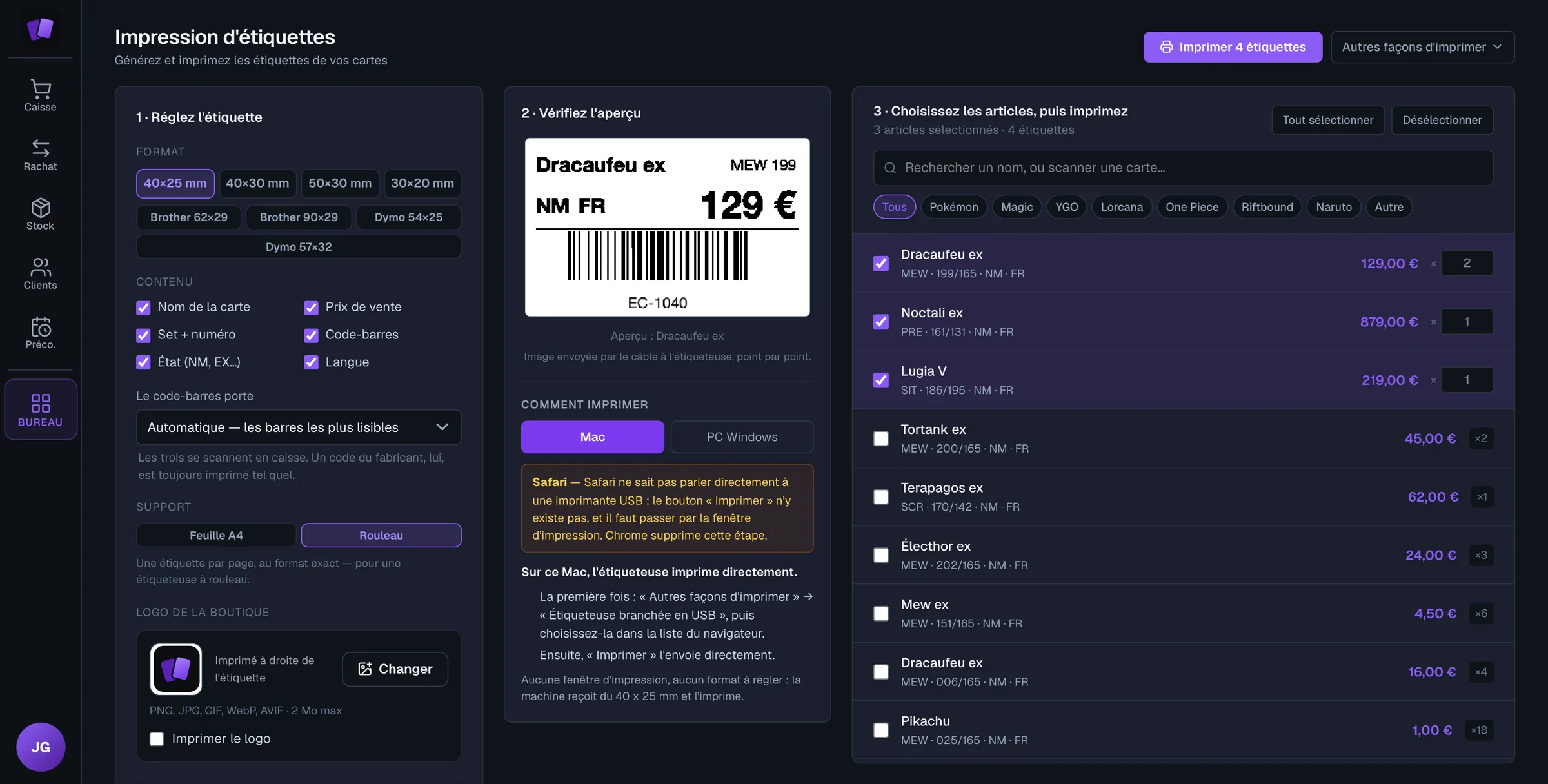
Specify the barcode scanner, receipt printer, label printer, cash drawer and payment terminal separately. Recording a card payment does not mean that the amount is sent to the terminal. The shop installs its equipment and checks each operation before opening. The till hardware guide helps prepare this assessment, including the connections that need checking on the actual workstation.
What makes an accounting export useful?
A useful export preserves the information needed to reconcile sales, payments, purchases and supporting documents.
- Question to ask : Which files can I send to my accountant, for which periods, and with what detail about VAT schemes and corrections?
- Satisfactory answer : An anonymised sample, column descriptions, stable references and an explanation of the operations included or left to the accounting firm.
Have your accountant open the sample before committing. A sales spreadsheet and a file of accounting entries serve different purposes. Check how to investigate a discrepancy, distinguish a refund from a cancellation and retain the associated documents. An export button does not establish that the product performs complete bookkeeping or submits tax returns. Ask how a later correction appears in a subsequent export.
What should you check about hosting and data?
The shop should understand where data is processed, who can access it and how it can be retrieved.
- Question to ask : What are the hosting locations, subprocessors, access rules, backups and retrieval arrangements after cancellation?
- Satisfactory answer : Specific contractual documents, recoverable formats, stated timeframes and procedures for incidents or requests concerning personal data.
Distinguish a technical backup from a till archive and from an export you can read independently. Ask what happens during a connection outage and how operations resume afterwards. Check the permissions available to employees and support staff, including how access is granted and removed. A hosting location alone does not describe the complete set of protections or the process for recovering lost information.
How should price and commitment be compared?
Compare prices for the same scope, including the features, workstations and exit arrangements your shop needs.
- Question to ask : What is included, what is charged separately, and which rules govern renewal, cancellation and data retrieval?
- Satisfactory answer : A dated quotation or price schedule, contractual terms and a clear separation between subscription, options, hardware and any additional services.
Write down requirements before comparing plans: workstations, staff permissions, buyback functions and expected exports. Ask what happens if you change subscription or close the business. A trial lets you observe working practices; it does not replace reading the contract or estimating the cost of your equipment. Record any limits that could change the total cost when your activity expands or your staffing changes.
What support should you be able to obtain?
Support should have a clear scope and understandable contact arrangements before the first problem occurs.
- Question to ask : How do I report a blocked checkout, who responds, during which hours and under which written commitments?
- Satisfactory answer : Identified channels, opening hours, a distinction between acknowledgement and resolution, and instructions about the information needed to describe a problem.
Ask for accessible documentation and a way to follow a request. Remote guidance does not mean someone will install equipment at the shop or transfer its inventory. Clarify what belongs to the publisher, the equipment supplier and the internet connection provider. Avoid sending personal information in a screenshot when fictional examples can show the difficulty just as clearly. Record any agreed workaround and its limitations.
How should you decide after the demonstration?
Choose the tool whose documented answers cover your essential requirements and whose limitations are acceptable for your organisation. Review the checklist with the person who will operate the till and, for tax matters, with the accounting firm, then record unresolved questions. A useful demonstration should leave evidence you can revisit rather than only an impression that the screens were easy to use.
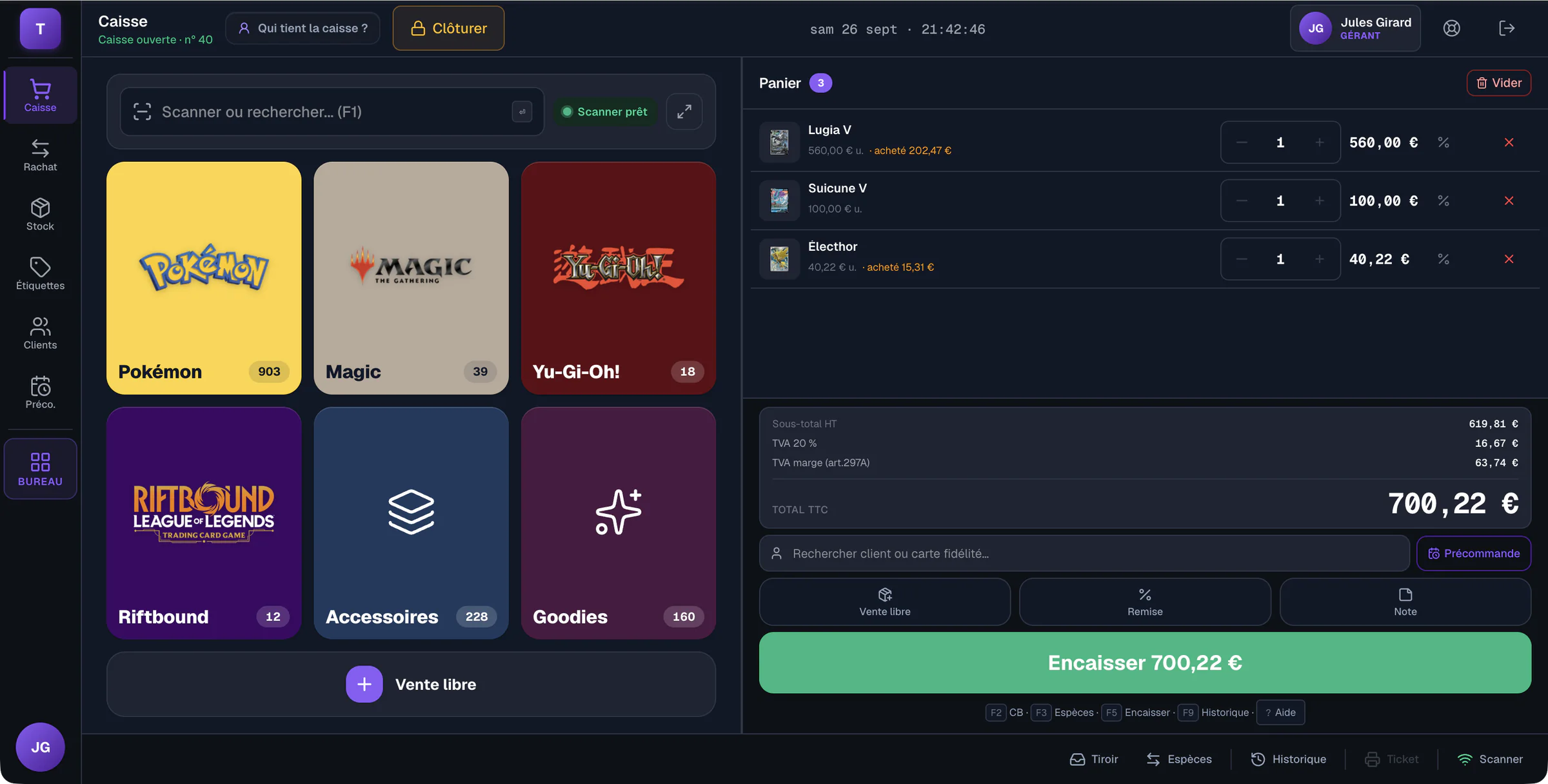
Echo TCG is one example of a tool designed for the work of card shops.
Frequently asked questions
- Which criterion should a card shop check first?
- Start with essential operations: identifying the correct version, recording a buyback and taking payment under the appropriate tax scheme. Ask for demonstrations using examples representative of your activity.
- Is an NF525 mention enough to choose a till?
- No. Request supporting documents, their scope and the version concerned, then examine correction, closing and archiving mechanisms. Your shop’s obligations depend on its circumstances.
- Must a shop buy all the hardware proposed by the publisher?
- Not necessarily. First check the exact compatibility of your equipment and the steps the shop must carry out to install it. A payment terminal and a till can operate separately.
- How can proposals be compared beyond their price?
- Use the same requirements, examples and questions in each demonstration. Keep written answers, limitations, required options and exit terms before deciding.
Echo TCG: the POS and management software for card shops.
From €49 a month, with no commission on your sales. See pricing